Create thumbnails people want to click.
Weblytic Thumbnails helps creators design high-impact YouTube thumbnails faster with powerful editing tools and AI-assisted ideas.
- Precision canvas editor
- AI-assisted ideas
- One-click background cutout
- Export at every size

Everything included
A full design studio, minus the learning curve
Every tool you'd reach for in Photoshop, rebuilt around the one thing you actually make.
AI thumbnail generator
Describe the video and get a full thumbnail concept — layout, colours and headline — in one shot.
Drag-and-drop canvas
Snap-to-grid alignment, layers, lock, duplicate and undo. It behaves exactly how you expect.
One-click background removal
Cut yourself out of any photo instantly and drop straight onto a scene that pops.
Text that shouts
Hundreds of Google Fonts with stroke, glow, shadow, gradient fills and curved text.
Templates that convert
180+ layouts across gaming, tech, finance, vlogs and more — built from high-CTR thumbnails.
Export anywhere
PNG, JPG or WEBP at full 1280 × 720, plus Twitch, Facebook and custom canvas presets.
Template gallery
Thumbnails people actually click
Gaming1280 × 720 
Tech1280 × 720 
Finance1280 × 720 
Vlogs1280 × 720 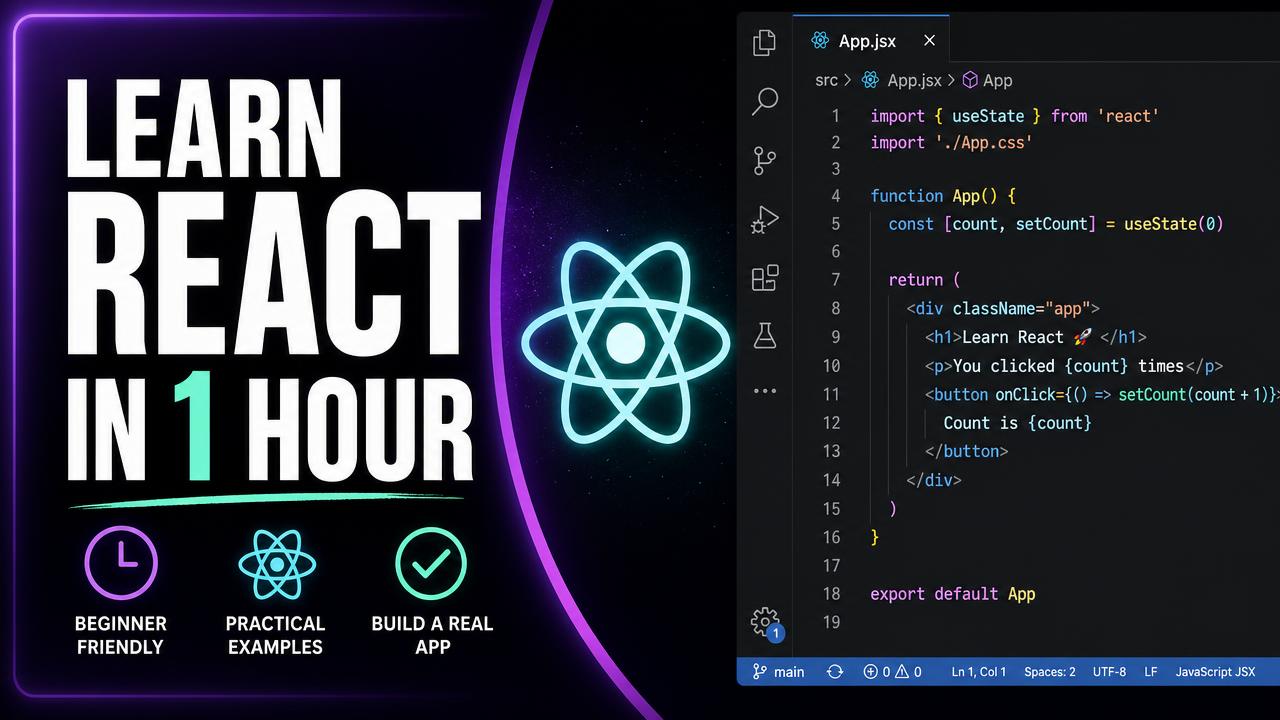
Education1280 × 720 
Sports1280 × 720 
Podcasts1280 × 720 
Reactions1280 × 720
How it works
Three steps from idea to upload
- 01
Pick a template
Browse 180+ layouts sorted by niche, or start from a blank 1280 × 720 canvas.
- 02
Make it yours
Drop in your photo, cut the background, punch up the headline. AI suggests colours and copy as you go.
- 03
Export and upload
Download a crisp PNG, JPG or WEBP in one click. Your project auto-saves for the next episode.
Template library
Start where your audience already is
Every category is tuned to what performs in that niche — colour psychology, face placement and text weight included.
Pricing
Free to start. Pro is on the way.
Everything in the editor is free while Weblytic Thumbnails is in early access. Paid billing is not live yet — Pro plan details are shown so you know what is coming.
Free
Everything you need to publish your first thumbnails.
$0forever
- 20 starter templates
- Full drag-and-drop editor
- PNG & JPG export
- 3 saved projects
- Weblytic Thumbnails watermark
- AI tools
- Transparent background export
- Coming soon
Pro
For creators publishing every week who want every edge.
$12per month
- All 180+ templates
- Full drag-and-drop editor
- PNG, JPG & WEBP export
- Unlimited saved projects
- No watermark
- AI generator, titles & colours
- Transparent + high-quality export
FAQ
Questions, answered
Your next thumbnail is minutes away
No download, no credit card. Open Weblytic Thumbnails and see what your channel could look like.
Create a Thumbnail